Using AI to draft documents, organize data, and handle complex tasks is becoming part of everyday work. But choosing the right model—and waiting without knowing how a task is progressing—can still be frustrating.
The October Runyour Agent update improves the ‘Run Task’ feature, making model selection easier and task progress more visible.
Let’s take a look at what’s new.

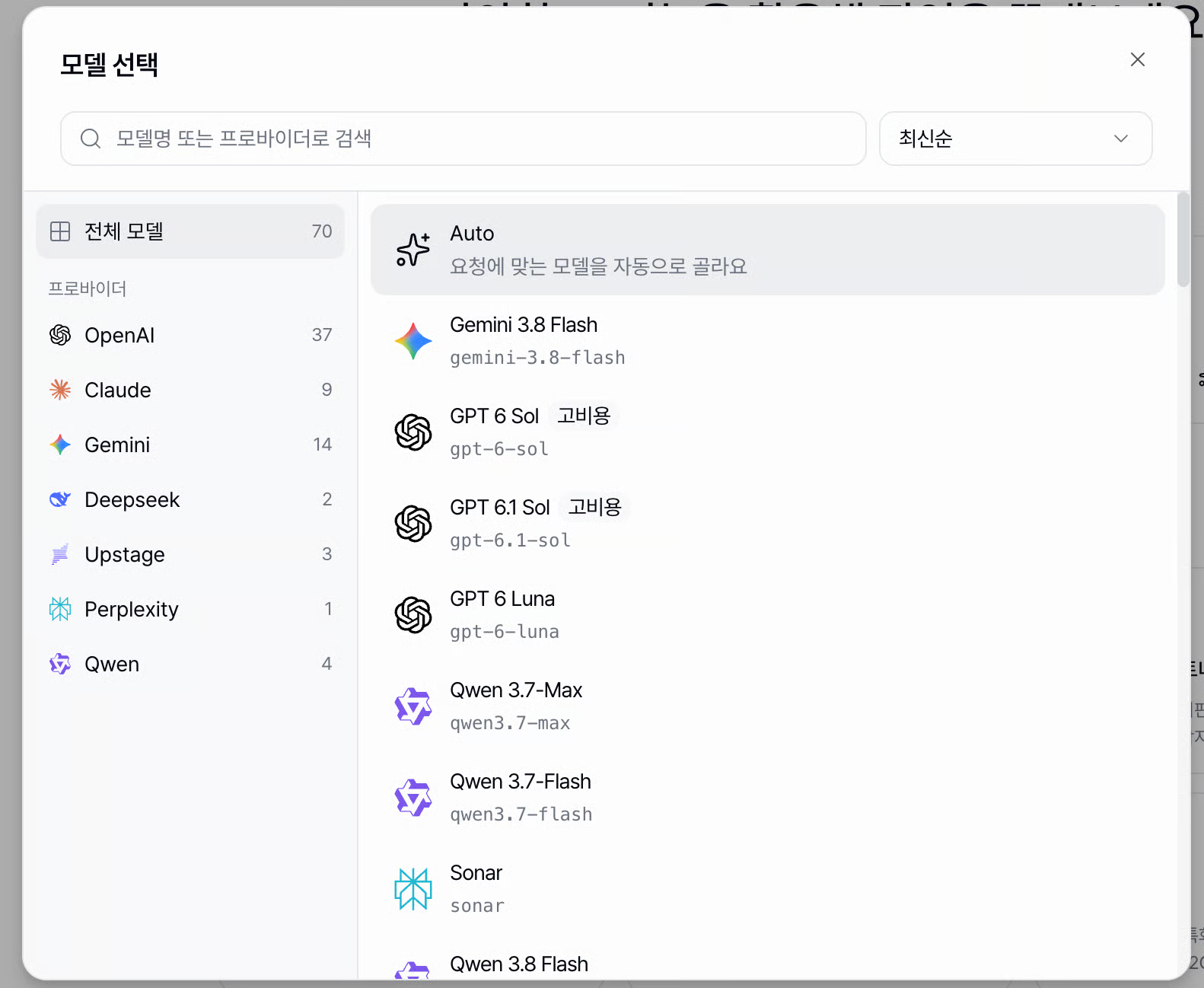
AI models differ in performance and cost, it can be difficult to decide which one to use for each task.
Auto mode in Runyour Agent’s ‘Run Task’ feature now uses dynamic routing to automatically select the AI model best suited for your request. By balancing response quality and cost-efficiency, it saves you from having to compare the features of different models every time.
Instead of worrying about which model to use, you can now focus directly on the task at hand!

You can now choose between Standard and Advanced modes for document, slide, and spreadsheet tasks.
Select Standard Mode for simple tasks and Advanced Mode for complex ones. You can now choose the level of AI support your task needs.

Ever wondered what the AI is doing after you submit a task? You can now view task status and detailed activity from submission to completion. Even when a task takes longer, you can follow its progress and see what’s happening at each step.
With this October update, you can spend less time worrying about model selection and get a clearer view of your AI's task progress.
Start a task in Auto mode, or choose Standard or Advanced mode for document, slide, and spreadsheet tasks.
We’ll keep improving Runyour Agent to make everyday work easier.